

Frequently Asked Questions
Michael Heine
Share your love

Michael Heine
Michael Heine, born in 1965, turned his passion into a profession. He has worked in the IT industry for more than 40 years and specializes in all aspects of the Microsoft ecosystem. Since 2007, he has been running the Windows-FAQ blog, where he has published more than 5,000 articles, tutorials, and how-to guides covering Windows, Microsoft 365, Office, and many other Microsoft technologies.
How to Find Files by Date in Windows 11 and 10
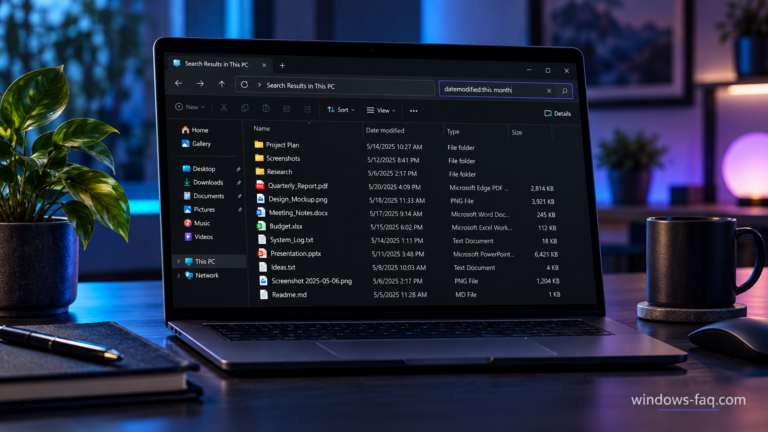
To find files by date in Windows 11 or Windows 10, open File Explorer, select a folder, and enter datemodified:today in the search box. To search a date range, enter two periods between the dates, for example datemodified:10/01/2026..10/28/2026 for October 1 through October 28, 2026, using US date formatting.
A date filter is useful when you remember working on a document but cannot recall its name. This guide shows you how to search by date modified, choose a custom date range, find newly created files, and narrow the results to a particular file type.
How to Create a Windows 11 Bootable USB Drive
To create a Windows 11 bootable USB, use Microsoft's Media Creation Tool, select USB flash drive, and let the tool prepare an empty drive with at least 8 GB of space. If you already have a Windows 11 ISO, Rufus gives you another way to turn it into installation media.
A bootable USB lets you start Windows Setup even when the installed copy of Windows will not load. You can use it to install Windows on a new SSD, reinstall your PC, or open recovery tools to investigate a startup problem.
How to Install RSAT on Windows 11: Settings and PowerShell
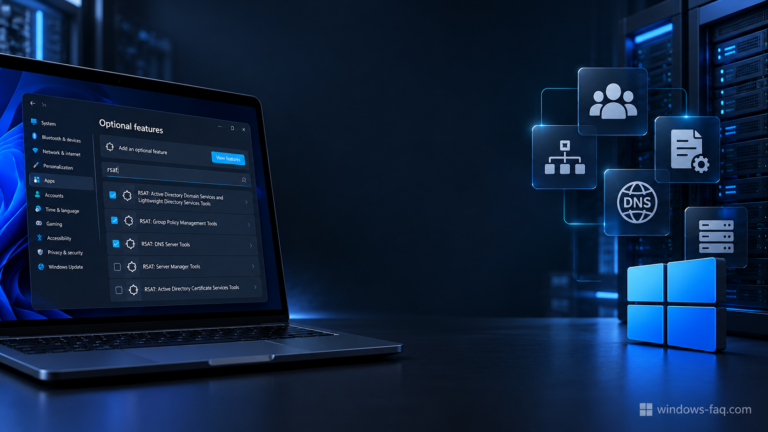
To install RSAT on Windows 11, go to Optional features, select View features, search for RSAT, and add the tools you need. You can also install individual components or all available RSAT capabilities with Windows PowerShell.
RSAT gives you access to tools such as Active Directory Users and Computers, DNS Manager, and Group Policy Management on your own PC. This guide explains the requirements, installation commands, verification steps, and common problems, including a separate note for Windows on ARM.
Run CMD as Administrator in Windows 11 and 10
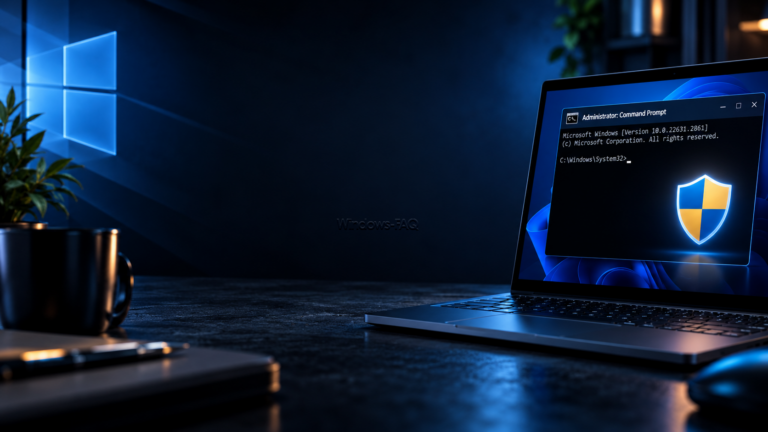
To run CMD as administrator, search for cmd, choose Run as administrator, and approve the Windows security prompt. This opens an elevated Command Prompt, which you need for tasks such as repairing protected system files or changing certain Windows settings.
The methods below work in Windows 11 and Windows 10, although some menu labels differ. You will also learn how to select CMD inside Windows Terminal, check the permissions of your session, and solve common problems without changing your account settings.
Best Free Word Processor for Windows: 8 Word Alternatives

A free word processor for Windows can handle letters, resumes, reports, and everyday documents without a Microsoft 365 subscription. Our first recommendation for offline writing is LibreOffice Writer. Word for the web is a convenient choice if you want Microsoft's editor in your browser, while Google Docs works well for shared documents.
The right choice depends on where you want to save your files, whether you need an account, and how often you exchange documents with Microsoft Word users. This guide compares eight options, explains their main limitations, and shows you how to install a free writing program and save your first document.
How to Turn On Windows Defender in Windows 11 and 10
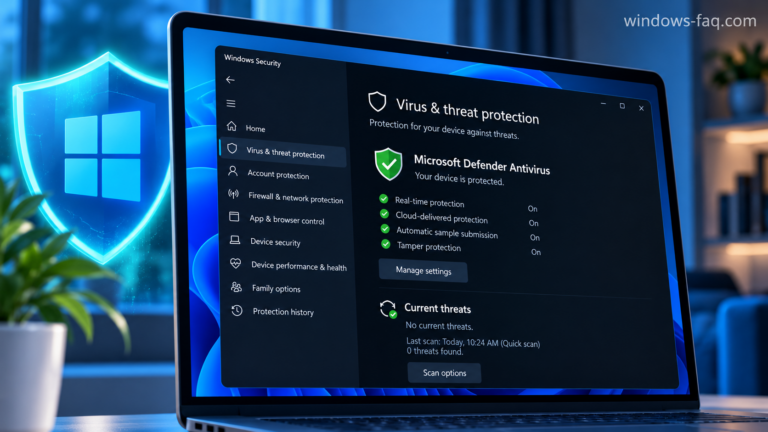
To turn on Windows Defender, open Windows Security, choose Virus & threat protection, select Manage settings, and turn Real-time protection on. If the switch is missing, grayed out, or immediately turns off again, the next step is to find out what is controlling your antivirus protection.
The built-in antivirus is now called Microsoft Defender Antivirus. This guide shows you how to enable it in Windows 11 and Windows 10, confirm that it is protecting your computer, and work through the most common activation problems.
Windows 11 Auto Login: Sign In Without a Password or PIN

Windows 11 auto login takes you straight to the desktop without typing a password or PIN at startup. You can configure it with netplwiz, provided your account and device settings allow password-based automatic sign-in. Your account password stays in place: Windows supplies the saved credentials for you.
To set it up, press Windows + R, enter netplwiz, select your account, and clear the option that requires a username and password.
How to Find Your Microsoft Office Product Key on Windows

To find your Microsoft Office product key, start with your purchase records and the account linked to Office. Modern Office installations do not display the full 25-character key inside Word or Excel. If your goal is to reinstall Office, signing in with the correct account will often get you further than a key finder.
This guide explains where to look for an Office product key, how to check the last five characters of an installed key, and when Microsoft 365 requires a different approach. The command examples are for Windows PCs.
Windows 11 26H2 Update: How to Get the Windows 11 2026 Update
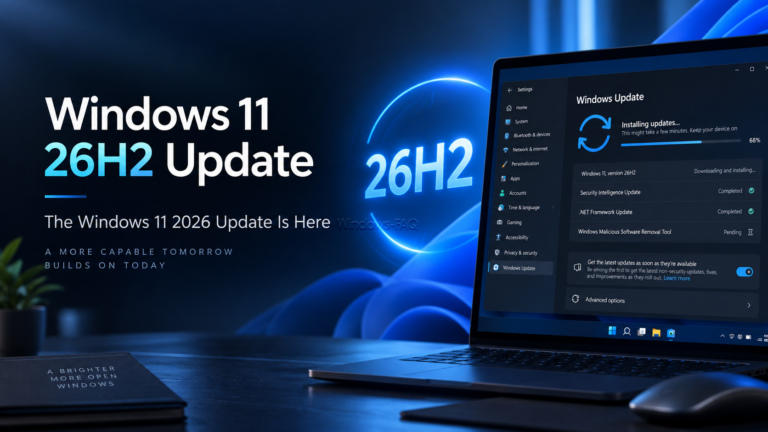
Windows 11 26H2 is now rolling out. Microsoft officially released the Windows 11 2026 Update on September 29, 2026, and eligible Windows 11 PCs can receive the new version through Windows Update.
For users already running Windows 11 24H2 or Windows 11 25H2, the upgrade is considerably smaller than a traditional Windows feature update. Microsoft uses an Enablement Package called KB5121794 that activates components already delivered to the PC through previous monthly updates.
Windows Hello: Set Up PIN, Face, and Fingerprint Sign-In
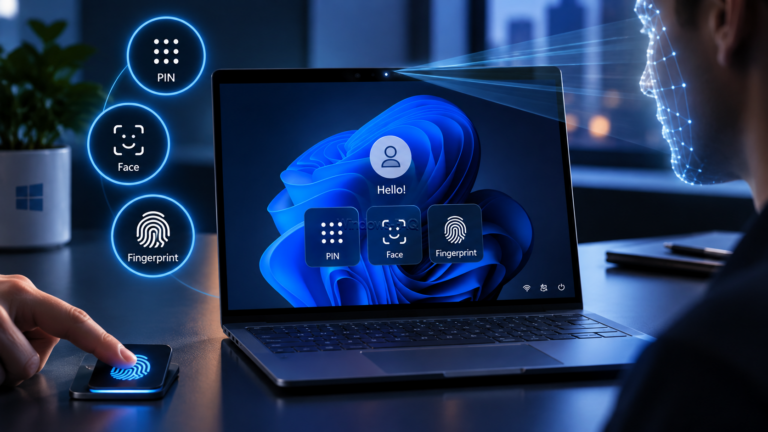
Windows Hello lets you sign in to your Windows PC with a PIN, facial recognition, or a fingerprint instead of typing your account password. The important difference is that your Windows Hello PIN belongs to that particular device. It is not a shorter version of your Microsoft account password.
To set up Windows Hello in Windows 11, open Settings > Accounts > Sign-in options and choose your preferred method. A PIN works without biometric hardware. Face sign-in requires a compatible infrared camera, while fingerprint sign-in requires a supported reader. This guide walks you through setup, explains the security basics, and helps you fix common sign-in problems.