Windows

Share your love

Windows 11 26H2 Update: How to Get the Windows 11 2026 Update

Windows 11 26H2 Update - How to Get the Windows 11 2026 Update

Windows 11 26H2 is now rolling out. Microsoft officially released the Windows 11 2026 Update on September 29, 2026, and eligible Windows 11 PCs can receive the new version through Windows Update.

For users already running Windows 11 24H2 or Windows 11 25H2, the upgrade is considerably smaller than a traditional Windows feature update. Microsoft uses an Enablement Package called KB5121794 that activates components already delivered to the PC through previous monthly updates.

Windows Hello: Set Up PIN, Face, and Fingerprint Sign-In

Windows Hello

Windows Hello lets you sign in to your Windows PC with a PIN, facial recognition, or a fingerprint instead of typing your account password. The important difference is that your Windows Hello PIN belongs to that particular device. It is not a shorter version of your Microsoft account password.

To set up Windows Hello in Windows 11, open Settings > Accounts > Sign-in options and choose your preferred method. A PIN works without biometric hardware. Face sign-in requires a compatible infrared camera, while fingerprint sign-in requires a supported reader. This guide walks you through setup, explains the security basics, and helps you fix common sign-in problems.

How to Find Your Windows Product Key in Windows 11 and 10

How to Find Your Windows Product Key in Windows 11 and 10

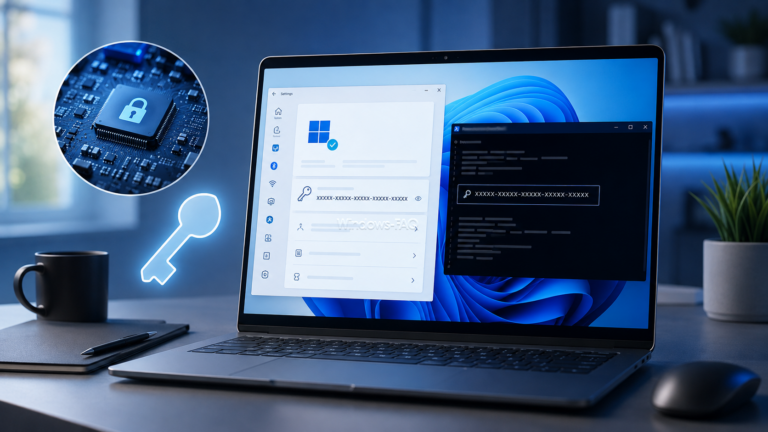
Need to find your Windows product key? On many PCs, the quickest method is a short PowerShell command. However, modern Windows 11 and Windows 10 installations often use a digital license instead of a product key that you can actually display.
This guide explains how to find a Windows product key with PowerShell, check your Windows activation status, use SLMGR, inspect the Registry and understand why some commands return an empty result. It also explains what has changed with the old WMIC method on current Windows 11 versions.

fClientDisableUDP: Disable UDP for RDP and Force TCP in Windows

fClientDisableUDP - Disable UDP for RDP and Force TCP in Windows Header

Remote Desktop sessions that freeze, pause, or disconnect can sometimes be stabilized by disabling UDP on the Windows client. The policy value fClientDisableUDP provides a direct way to do this. Set the DWORD value to 1, reconnect, and Windows will use TCP only for new RDP connections.
This setting is useful when a VPN, firewall, network appliance, or unstable connection does not handle RDP over UDP reliably. However, it is a troubleshooting measure rather than a universal fix. UDP can provide a smoother Remote Desktop experience on healthy networks, so you should only force TCP when testing or resolving a specific connection problem.

How to Check CPU Temperature in Windows 11 and 10

How to Check CPU Temperature in Windows 11 and 10

To check CPU temperature in Windows 11 or Windows 10, use a hardware monitoring tool such as HWiNFO, Core Temp, or Libre Hardware Monitor. Windows Task Manager does not display live CPU temperature. It may display GPU temperature on supported…

Stay informed and not overwhelmed, subscribe now!