
Newsletter Subscribe
Enter your email address below and subscribe to our newsletter

Frequently Asked Questions
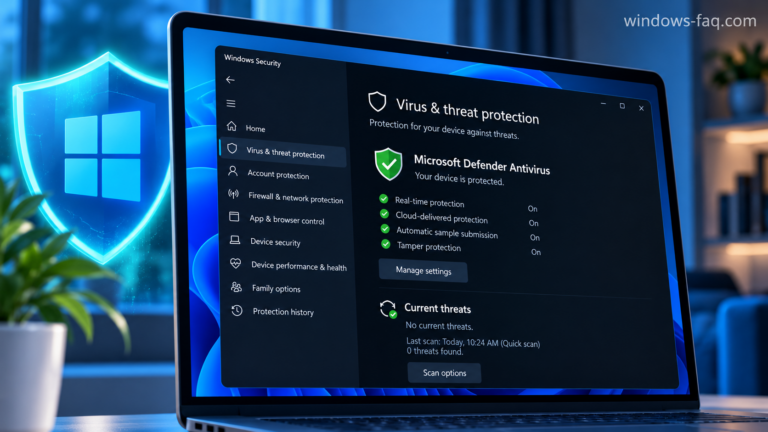
To turn on Windows Defender, open Windows Security, choose Virus & threat protection, select Manage settings, and turn Real-time protection on. If the switch is missing, grayed out, or immediately turns off again, the next step is to find out what is controlling your antivirus protection.
The built-in antivirus is now called Microsoft Defender Antivirus. This guide shows you how to enable it in Windows 11 and Windows 10, confirm that it is protecting your computer, and work through the most common activation problems.
