

Frequently Asked Questions
Michael Heine
Share your love

Michael Heine
Michael Heine, born in 1965, turned his passion into a profession. He has worked in the IT industry for more than 40 years and specializes in all aspects of the Microsoft ecosystem. Since 2007, he has been running the Windows-FAQ blog, where he has published more than 5,000 articles, tutorials, and how-to guides covering Windows, Microsoft 365, Office, and many other Microsoft technologies.
How to Find Your Windows Product Key in Windows 11 and 10
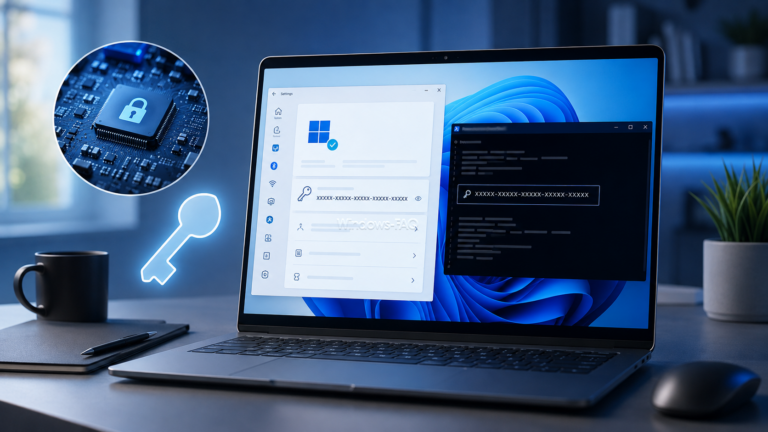
Need to find your Windows product key? On many PCs, the quickest method is a short PowerShell command. However, modern Windows 11 and Windows 10 installations often use a digital license instead of a product key that you can actually display.
This guide explains how to find a Windows product key with PowerShell, check your Windows activation status, use SLMGR, inspect the Registry and understand why some commands return an empty result. It also explains what has changed with the old WMIC method on current Windows 11 versions.
fClientDisableUDP: Disable UDP for RDP and Force TCP in Windows

Remote Desktop sessions that freeze, pause, or disconnect can sometimes be stabilized by disabling UDP on the Windows client. The policy value fClientDisableUDP provides a direct way to do this. Set the DWORD value to 1, reconnect, and Windows will use TCP only for new RDP connections.
This setting is useful when a VPN, firewall, network appliance, or unstable connection does not handle RDP over UDP reliably. However, it is a troubleshooting measure rather than a universal fix. UDP can provide a smoother Remote Desktop experience on healthy networks, so you should only force TCP when testing or resolving a specific connection problem.
How to View Saved Passwords on Windows and in Your Browser
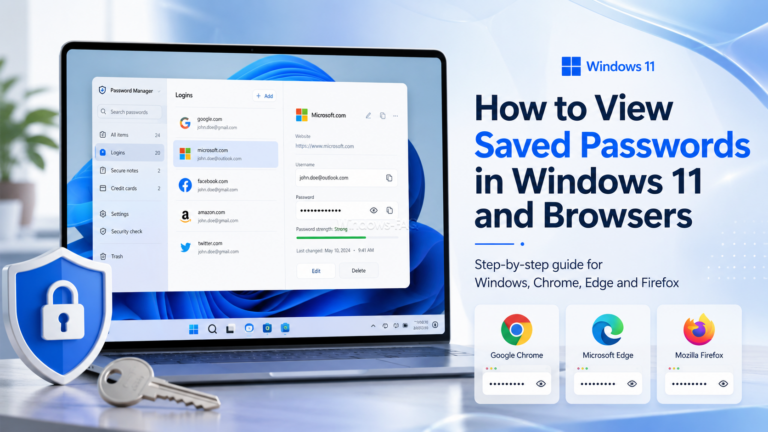
Forgot a website password or need to remove an old login? You can often view saved passwords on a Windows PC, but there is no single screen that contains every password stored on the device. Windows, Chrome, Microsoft Edge, Firefox,…
How to Check CPU Temperature in Windows 11 and 10

To check CPU temperature in Windows 11 or Windows 10, use a hardware monitoring tool such as HWiNFO, Core Temp, or Libre Hardware Monitor. Windows Task Manager does not display live CPU temperature. It may display GPU temperature on supported…