
Newsletter Subscribe
Enter your email address below and subscribe to our newsletter

Frequently Asked Questions

Windows 11 auto login takes you straight to the desktop without typing a password or PIN at startup. You can configure it with netplwiz, provided your account and device settings allow password-based automatic sign-in. Your account password stays in place: Windows supplies the saved credentials for you.
To set it up, press Windows + R, enter netplwiz, select your account, and clear the option that requires a username and password.
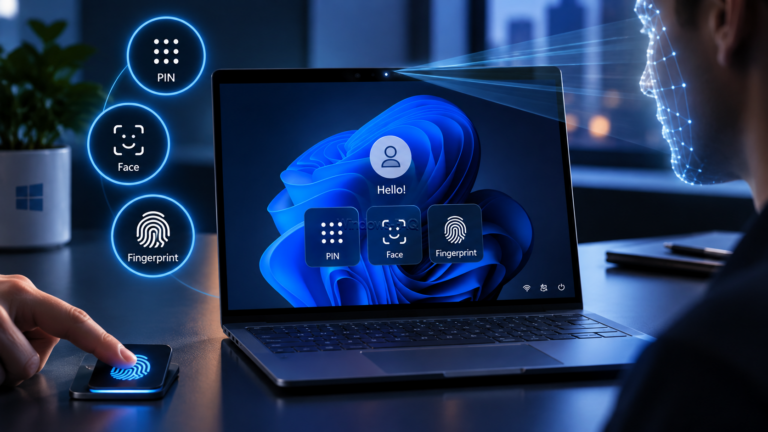
Windows Hello lets you sign in to your Windows PC with a PIN, facial recognition, or a fingerprint instead of typing your account password. The important difference is that your Windows Hello PIN belongs to that particular device. It is not a shorter version of your Microsoft account password.
To set up Windows Hello in Windows 11, open Settings > Accounts > Sign-in options and choose your preferred method. A PIN works without biometric hardware. Face sign-in requires a compatible infrared camera, while fingerprint sign-in requires a supported reader. This guide walks you through setup, explains the security basics, and helps you fix common sign-in problems.
