
Newsletter Subscribe
Enter your email address below and subscribe to our newsletter

Frequently Asked Questions

Windows Hello lets you sign in to your Windows PC with a PIN, facial recognition, or a fingerprint instead of typing your account password. The important difference is that your Windows Hello PIN belongs to that particular device. It is not a shorter version of your Microsoft account password.
To set up Windows Hello in Windows 11, open Settings > Accounts > Sign-in options and choose your preferred method. A PIN works without biometric hardware. Face sign-in requires a compatible infrared camera, while fingerprint sign-in requires a supported reader. This guide walks you through setup, explains the security basics, and helps you fix common sign-in problems.
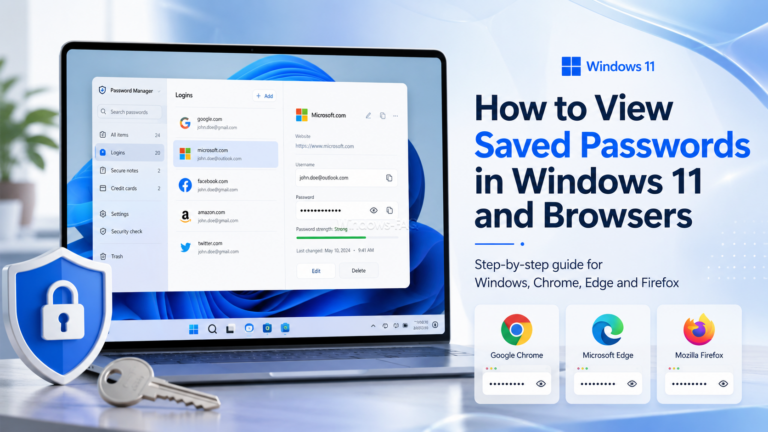
Forgot a website password or need to remove an old login? You can often view saved passwords on a Windows PC, but there is no single screen that contains every password stored on the device. Windows, Chrome, Microsoft Edge, Firefox,…

To check CPU temperature in Windows 11 or Windows 10, use a hardware monitoring tool such as HWiNFO, Core Temp, or Libre Hardware Monitor. Windows Task Manager does not display live CPU temperature. It may display GPU temperature on supported…
