

Frequently Asked Questions
Tools
Share your love
How to Password Protect a Folder in Windows 11
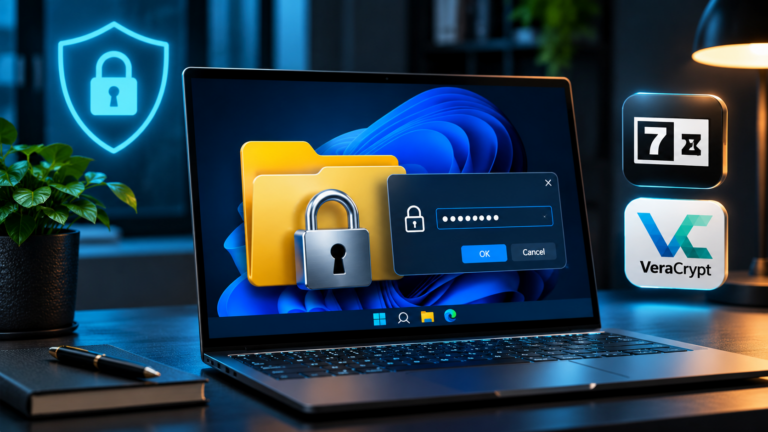
To password protect a folder in Windows 11, store its files in an encrypted 7-Zip archive or a VeraCrypt container. Windows does not provide a separate password setting for an ordinary File Explorer folder. The right choice depends on whether you want to put documents away or keep working on them regularly.
A 7z archive works well for tax records, contracts, or files you need to share securely. A VeraCrypt container gives you an encrypted drive for everyday work. Windows 11 Pro also includes EFS file encryption, but EFS uses your Windows account and encryption keys rather than an additional folder password.

How to Create a Windows 11 Bootable USB Drive
To create a Windows 11 bootable USB, use Microsoft's Media Creation Tool, select USB flash drive, and let the tool prepare an empty drive with at least 8 GB of space. If you already have a Windows 11 ISO, Rufus gives you another way to turn it into installation media.
A bootable USB lets you start Windows Setup even when the installed copy of Windows will not load. You can use it to install Windows on a new SSD, reinstall your PC, or open recovery tools to investigate a startup problem.