

Frequently Asked Questions
Install
Share your love
How to Create a Windows 11 Bootable USB Drive
To create a Windows 11 bootable USB, use Microsoft's Media Creation Tool, select USB flash drive, and let the tool prepare an empty drive with at least 8 GB of space. If you already have a Windows 11 ISO, Rufus gives you another way to turn it into installation media.
A bootable USB lets you start Windows Setup even when the installed copy of Windows will not load. You can use it to install Windows on a new SSD, reinstall your PC, or open recovery tools to investigate a startup problem.

How to Install RSAT on Windows 11: Settings and PowerShell
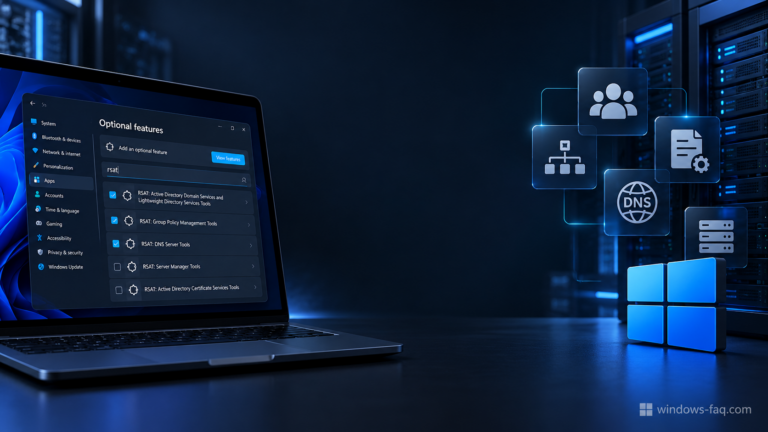
To install RSAT on Windows 11, go to Optional features, select View features, search for RSAT, and add the tools you need. You can also install individual components or all available RSAT capabilities with Windows PowerShell.
RSAT gives you access to tools such as Active Directory Users and Computers, DNS Manager, and Group Policy Management on your own PC. This guide explains the requirements, installation commands, verification steps, and common problems, including a separate note for Windows on ARM.