

Frequently Asked Questions
Explorer
Share your love
How to Find Files by Date in Windows 11 and 10
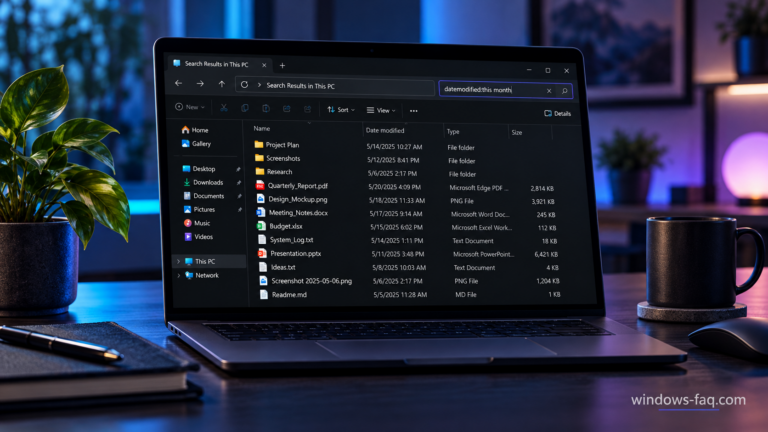
To find files by date in Windows 11 or Windows 10, open File Explorer, select a folder, and enter datemodified:today in the search box. To search a date range, enter two periods between the dates, for example datemodified:10/01/2026..10/28/2026 for October 1 through October 28, 2026, using US date formatting.
A date filter is useful when you remember working on a document but cannot recall its name. This guide shows you how to search by date modified, choose a custom date range, find newly created files, and narrow the results to a particular file type.
