

Frequently Asked Questions
Cache
Share your love
How to Clear Cache in Windows 11: A Step-by-Step Guide
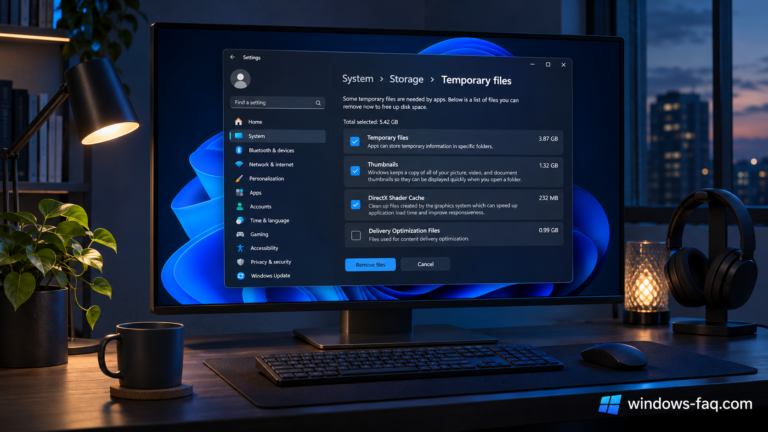
To clear cache in Windows 11, open Settings > System > Storage > Temporary files, review the categories and select Remove files. This removes selected temporary files, while browser, DNS and Microsoft Store caches each require their own cleanup method.
A full drive, a website showing old content and a Microsoft Store that will not open can all send you looking for a way to clear the Windows cache. They are different problems, so the right fix depends on what has stopped working. This guide starts with everyday cleanup and then explains the more specific repairs, using tools already included with Windows.
